Websites by industry03 / 12
Websites for schools, courses and training
A course site has to help a learner choose, and then make the first step small. It should show who teaches, what changes for the student, what it costs, and how to start.
Course catalogueSample data
- Exam maths, final year2 seats leftGroup, starts 12 Oct
- Maths, catching upOpenOne-to-one, any week
- Physics, mechanics6 seats leftGroup, starts 19 Oct
- Physics, exam preparationOpenOne-to-one, any week
- English, speaking1 seat leftGroup, starts 14 Oct
- English for workOpenOne-to-one, any week
Showing6 courses
Courses and dates come from the CMSStaff add them
Ask this about your site
Could a learner pick a course without writing to you?
A quick way to judge the site you have. Every question a visitor has to send by email is a sign-up you may not get.
- 01
Is it clear who each course is for, and what the learner can do afterwards?
- 02
Are dates and prices on the page, or hidden behind a form?
- 03
Can a visitor see who teaches, with a face and a few lines?
- 04
Is the first step small: a trial lesson, a free preview, a short call?
- 05
Can your staff add a course or a date without a developer?
What makes a course website sell
Lesson 01
Sell the result, not the syllabus
A learner buys what they will be able to do. The list of topics comes after.
Lesson 02
The teacher is the offer
People sign up with someone they can picture: a name, a face and a way of explaining things.
Lesson 03
Make the first step small
A trial lesson is easy to say yes to. A whole course is a decision.
What a good course website gives you
01
More sign-ups from the same visitors
People who find the right course and see the price decide faster, and fewer leave to think about it.
02
Fewer questions by email
Dates, prices and formats answered on the page, so your team teaches instead of replying.
03
A first step people take
A free trial lesson or a preview turns interest into a name and a date.
How a course website should look and sound
Clear, encouraging and human.
These are rules of thumb. The site itself is built around your brand, your clients and your taste.
Faces of the teachers
People buy a course from a person. Show who teaches, and let them speak in their own words.
Outcomes before features
What the learner will be able to do comes first. How many hours it takes comes second.
Calm, legible pages
Plenty of space, readable type and one accent colour. A learning site should feel like a place where it is easy to think.
Proof from learners
Results and real quotes, with names where you may use them.
Built for it
Example 02
Help with choosing
A learner who cannot decide answers three questions and gets one suggestion. Choosing is where most sign-ups are lost.
Which course fits me?Sample data
Three questionsEnds in a trial lesson
Example 03
A price that makes sense at a glance
The visitor sees what each lesson costs and what they save, and the first lesson is free. Nothing to work out, and nothing to ask.
Lesson packagesSample data
Per lesson
Package
You save
Prices come from the CMSThe trial comes first
Built by me
Tutoring school
Modum School
A site built around one step: the free trial lesson.
View case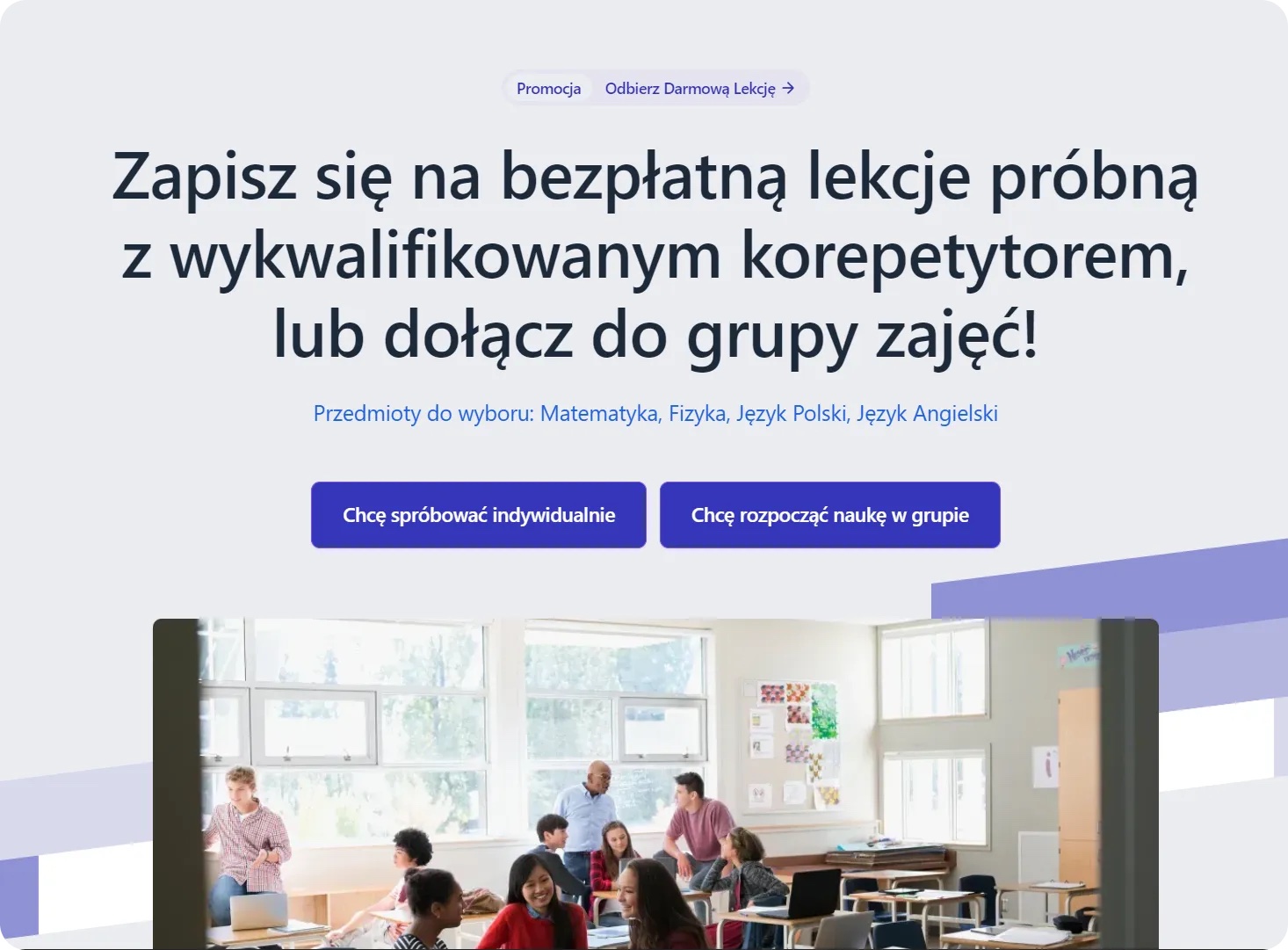
Legal careers training
TC Masters
From a vague idea to a site that sells three review plans.
View case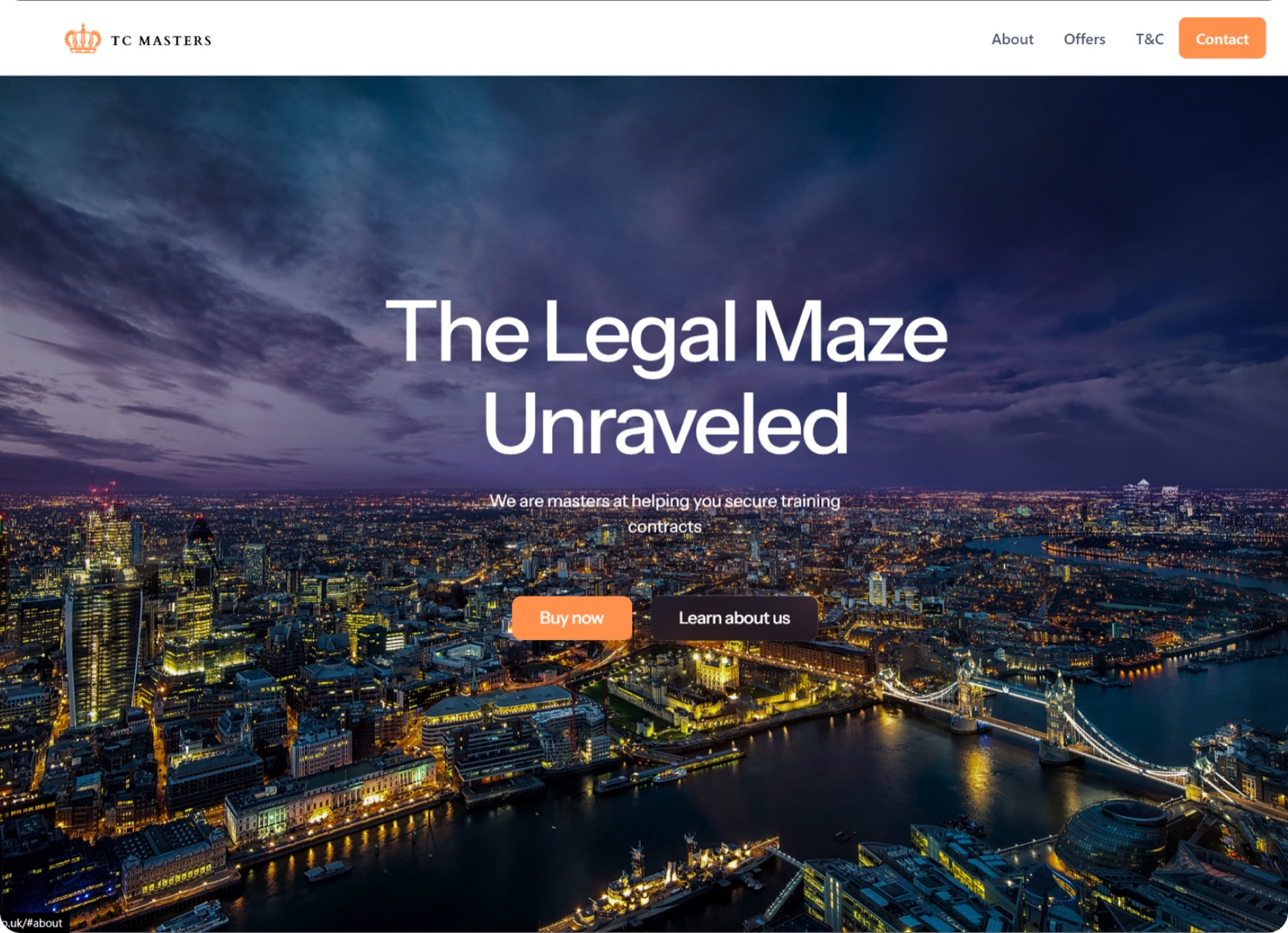
E-learning for crypto traders
Edgeframe
From a one-page site to a learning app with one login.
View case
Questions
How do I know whether our site is costing us sign-ups?
If visitors write to ask for prices, dates or which course to take, the site is not doing that work. Each of those emails stands for several people who left without asking.
Does it connect to our course platform and checkout?
Yes. The site sells the course and hands over to the platform you teach on, such as Teachable, Thinkific or your own, and to Stripe for payment.
Can staff add courses and dates themselves?
Yes. Courses, teachers and dates are CMS items, so a new group is a form to fill in.
We sell one-to-one lessons and group courses. Can one site do both?
Yes. Modum School sells both on one site, with the free trial lesson as the first step for either.
What it usually takes
New site or redesign
A new Webflow site, or a redesign of the one you have, designed and built by one person. Structure, copy, CMS and launch included.
Service
New pages and CMS templates
Landing pages, subpages and CMS templates, built from your Figma file or extended from what the site already has.
Service
Integrations
Your Webflow site connected to the tools the company already runs on: forms into the CRM, analytics that measures the right things, and consent that holds tags back.
Service
Your site
Want me to look at your site?
Next
SaaS and startups
04 / 12