All services15 / 19
Web apps, portals and internal tools
For when a website is not enough: client portals, member areas, dashboards and small tools, built in code and hosted beside your site.
You might be here because
01
A shared spreadsheet has turned into software, and it shows.
02
Clients ask for a login, and the site cannot give them one.
03
Webflow retired User Accounts, and the member area went with it.
What you get
Software that fits the way you work, under your own domain.
I build and run a product of my own, so I plan for what comes after launch: sign-ins, errors and updates.
Client portals and member areas
A login, and the pages only a customer should see.
Dashboards
The numbers your team checks every day, in one place.
Calculators and configurators
When the logic is too large for a script on a page.
Internal tools
Small apps that replace a spreadsheet everyone is afraid to touch.
Sign-in and payments
Accounts, roles and checkout, built on proven services.
Hosting beside the site
On your own server or a host of your choice, under the same domain.
How it goes
01
Describe the routine
What people do today, and what the app should take over.
02
A fixed price
One number and a timeline, after a short brief.
03
A working version early
You use it with real data before it is finished.
04
Launch and hand-over
With notes on how it works and what to do when it stops.
Price
A fixed price after a short brief.
You know the number and the timeline before I start. Changes outside the agreed scope are billed by the hour, with an estimate first.
Price
Fixed
agreed before I start
Shown in
E-learning for crypto traders
Edgeframe
From a one-page site to a learning app with one login.
View case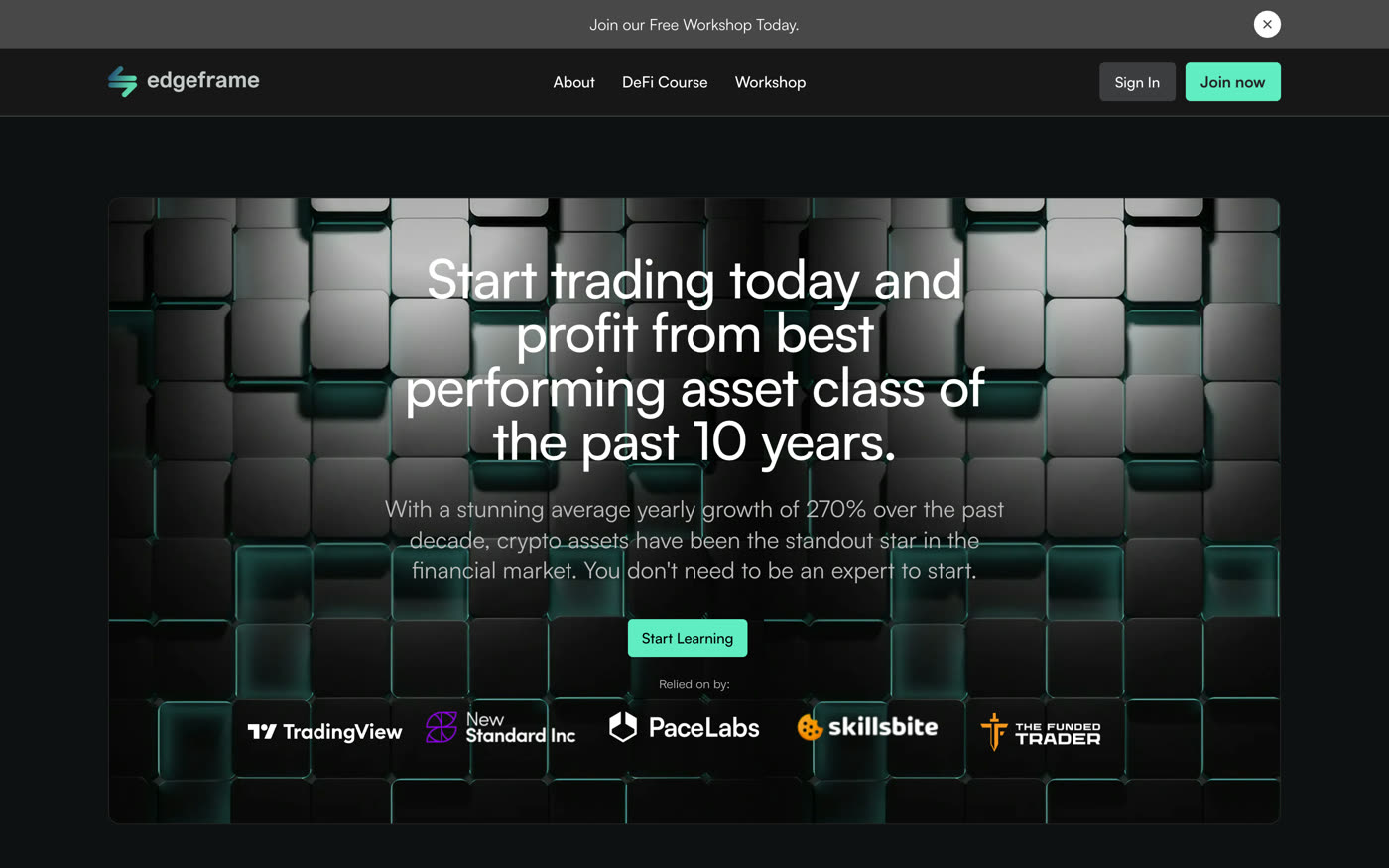
Questions
What stack do you use?
That depends on the job. Small tools are plain code on a small server; larger apps use a framework and a database.
Can the app live on our domain?
Yes, in a folder or on a subdomain, with the same look as the site.
Who maintains it afterwards?
I can, by the hour, or your own developer: the code is yours and comes with notes.
Can you rebuild a member area that ran on Webflow User Accounts?
Yes, with a membership tool or a small app of its own, depending on what members need to do.
Goes well with
Automations
The routine work around the site done by a workflow: enquiries routed and sorted, the CMS kept in step with your other tools, reports sent on their own.
Service
Integrations
Your Webflow site connected to the tools the company already runs on: forms into the CRM, analytics that measures the right things, and consent that holds tags back.
Service
Your site
Not sure what your site needs first?
Next service
Migration to Webflow
16 / 19