How to build an app for your business: from idea to MVP
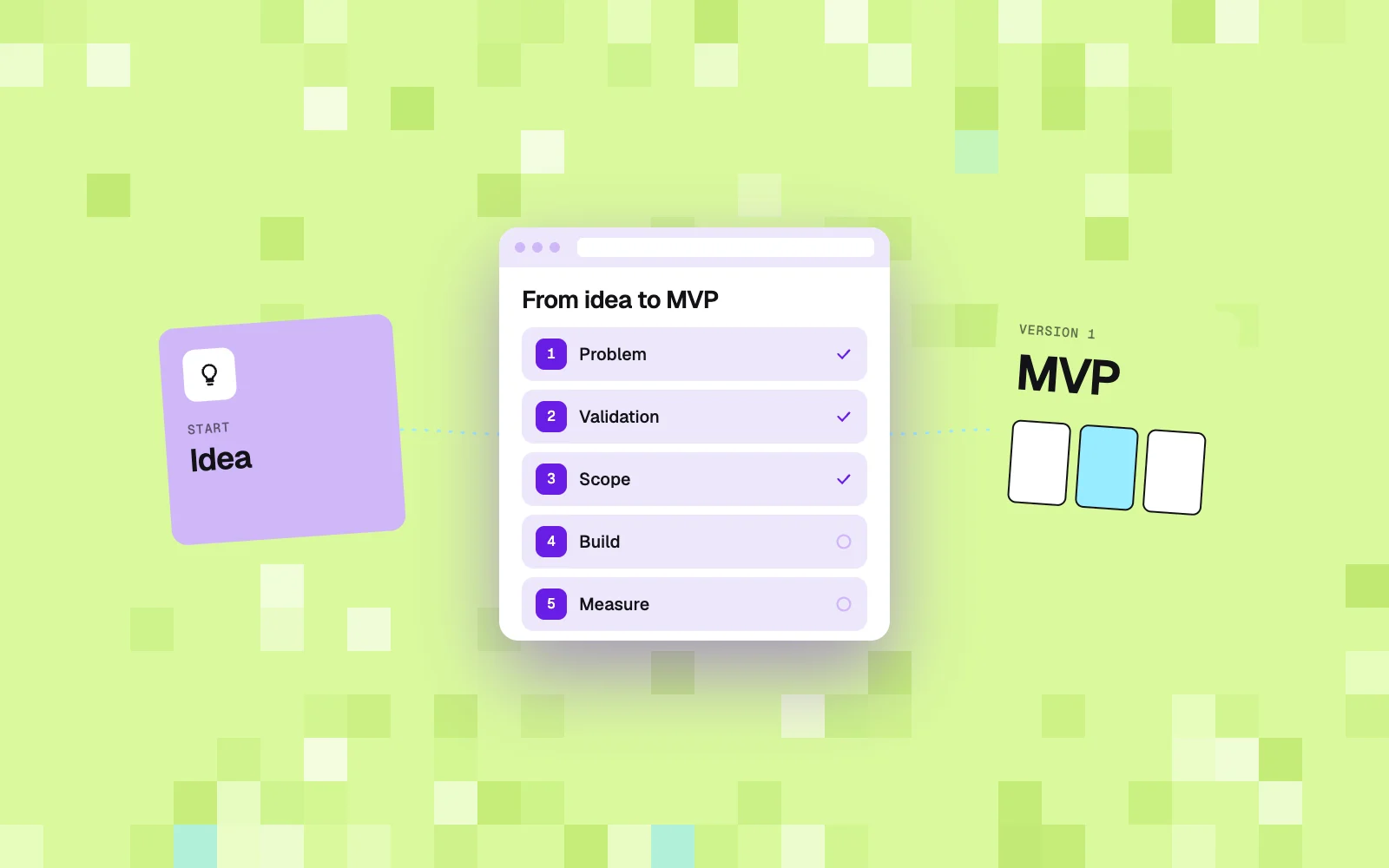
You build an app for your business in five steps: name one problem and what it costs, validate the idea cheaply before any code is written, narrow the first version to one thing off-the-shelf tools don't do, build it on top of what the business already uses, and measure what real users do. Choosing the technology and the team comes only after step two.
Most guides on how to build an app start with choosing a platform: Android or iOS, code or no-code. For a business, that is the wrong order. Technology is the cheapest decision in the whole project. The most expensive one is the decision nobody made: should this app exist at all, and what exactly should the first version do.
This article is for owners and managers of companies that are not tech companies. You have an idea for a customer portal, a tool for your team or a new service delivered as an app. Below are five steps that take you from the idea to an MVP, meaning a first version that works and that you can measure.
Step 1: name one problem and work out what it costs
An app for your business starts with one sentence: who has the problem, what it is and what it costs today. If you can't write that sentence, it's too early for mockups and quotes. A good problem is frequent, specific and has an owner inside the company who will feel the difference once the app is live.
A few examples of what that sentence can look like:
- "A customer who uses two of our services has two accounts, two invoices, and nobody sees their full history."
- "The office retypes orders from emails into the system, and it takes one person several hours a day."
- "Sales reps calculate quotes in a spreadsheet, every version looks different and they're hard to compare."
Notice what's missing. There is no word "app", no features, no technology. There is only a situation and its cost: time, money or customers who leave. From a sentence like that it's easy to work out what the first version has to do. You can't work backwards from a feature list to the problem.
One more thing: estimate the cost, even roughly. Hours of work per week times the hourly rate, the number of lost orders, the time it takes to reply to a customer. You'll use that number twice. First, to judge whether building makes sense. Later, to check after launch whether the app actually worked.
Step 2: validate the idea before any code is written
The cheapest moment to find out an idea doesn't work is before the first line of code. This stage is called discovery: a short phase where you talk to future users, review the tools in use today and test the riskiest assumption in the cheapest way possible.
In practice it comes down to a few things:
- Talking to users. To customers, if the app is for customers. To the team, if it's for the team. You ask how they do it today and what frustrates them, not whether they'd like an app. Almost everyone answers "yes" to the second question.
- A map of current tools. Where the data lives today, who enters it, where things break. It often turns out that a better setup of the tools you already have solves half the problem.
- A test of the risky assumption. A clickable prototype, a simple page with a waitlist sign-up, or the service done by hand for a few customers. If nobody wants the manual version, the automated one won't help either.
Discovery ends with a decision: we build, we build something smaller, or we don't build. Each of those answers is a good outcome. The only bad situation is when nobody made that decision and the team is already writing code.
We know this from both sides. Max co-founded the startup Skillsbite (2021, AI for CV analysis), where his own idea had to be validated and the direction changed. Later he designed and built products for clients. The most expensive mistake looks the same on both sides: a full build before anyone checked that customers want it.
Step 3: narrow the first version to one thing
An MVP for a business app should do one thing no off-the-shelf tool does, and connect to everything else. At the start it shouldn't recreate calendars, payments, invoicing or accounting. Those problems are solved by existing software, and rewriting them from scratch is where budgets and deadlines disappear.
A simple way to split the scope:
| Stays in off-the-shelf tools | You build it yourself |
|---|---|
| Calendar and bookings | the customer journey that connects your services |
| Payments and invoices | your offer: subscription, package, membership |
| Accounting | data no tool holds well (history, photos, warranties) |
| Sending emails and texts | the screen someone at the company opens every morning |
A good rule: if the first version needs more than three or four screens to be useful, the scope is probably too wide. It's better to ship something narrow in a few weeks than something wide in a year. A narrow version reaches people faster, and only people tell you what comes next.
Example: one app for several service companies
We're currently working with a client in the US who runs several home-services companies: cleaning, plumbing, electrical, painting, moving and others. Each company works well on its own. The problem is on the end customer's side. A homeowner who books cleaning this month and a plumber next month deals with two different companies, goes through two different booking flows and has no shared history.
The idea is a subscription platform for homeowners: one place to order any service, track the job and keep a home history with photos and invoices. The companies stay on their field service software (Jobber), and the new app connects to it as the layer the customer sees. The 12-month goal is specific: an MVP with paying subscribers.
The most important decision was made at the start: the first version doesn't rewrite scheduling or invoicing. The teams stay in the tool they know. The app starts with what no tool does, which is a shared customer account and a service history across all the companies.
Step 4: build on top of what the business already uses
You build the first version in stages, each with a clear result and a price agreed before it starts. The order we use: diagnosis in the first week, a prototype on the client's real data in the second, implementation in weeks three to six. After that, support and fixes based on what users showed us.
A few rules that save the most time and money:
- Integrations instead of replacement. Most industry software has an API or ready-made connectors. The app reads and writes data in the system the team already uses. Before you plan the scope, check whether your plan in that software gives you API access.
- Data and accounts on the company's side. The code repository, server, domain and service accounts should belong to you, not to the contractor. The same goes for customer data.
- A fixed price per stage. A range can be given after the first call, and an exact price before each stage, once it's clear what it will include. Billing "whatever it ends up costing" on an unknown scope usually ends in a dispute.
- Running costs calculated up front. If the app uses AI or paid services, their monthly cost has to be calculated before the build, not after the first invoice.
Example: what building our own product shows
Max built Podium from scratch, a tool for writing and publishing articles on company blogs. The plan for the first version had seven weekly stages: infrastructure and payments, onboarding, visibility scan, article engine, publishing, links, settings for multiple sites.
Two things from that build show well what an MVP is for. The first article generated on the largest AI model cost $2.10, because it took three attempts. The plan assumed a cheaper model, so the decision was made right away: the cheaper model by default, plus a daily budget per site ($2), after which the system pauses work and sends an alert. Without a real run, that number wouldn't exist.
The second thing: the first real onboarding on the production server immediately exposed bugs that didn't appear on the local machine. The AI service keys were missing on the server, one of the services rejected requests because the account had no funds, and the dashboard showed raw error messages instead of clear information. Each of these could be fixed. But none of them is visible until the app reaches a real user.
Step 5: measure and decide what comes next
An MVP only makes sense if, after launch, someone looks at the numbers and makes a decision. You go back to the cost from step one: does retyping orders take less time, do customers create accounts, does anyone pay for the subscription. Based on that you decide what to develop, what to simplify and what to drop.
What to measure in the first weeks:
| Question | Example metric |
|---|---|
| Do people start at all | how many people finish sign-up or the first task |
| Do they come back | how many people use the app in the second and third week in a row |
| Is the problem smaller | how many hours a week the work the app was meant to shorten takes |
| Will anyone pay | how many people move from the trial to the paid version |
The feature list from the start of the project is not a plan for further development. It's a hypothesis. After the first few weeks it usually turns out that one feature is used every day and three others were never opened. You build the next stage around that first one.
How long it takes and who should build it
Discovery usually takes a week or two. A narrow first version built on existing tools takes a few more weeks, depending on the number of integrations. Fully replacing the software a company uses for scheduling and invoicing takes many times longer and is rarely a good first step.
When choosing who builds it, you have roughly three paths:
- No-code tools. Good for a prototype and for simple internal tools. They work less well when the app has to connect several systems or handle customer payments and subscriptions.
- A software house. A large team that builds well what has been specified. Make sure you know who in that setup is responsible for the question of whether it's worth building at all.
- A small product team. The same person runs discovery and is responsible for the build, so decisions from user conversations don't get lost along the way. It works well for narrow first versions, less well for large systems built in full from day one.
Whatever you choose, ask three things: how the team will check that the idea makes sense, what exactly will be in the first version and what won't, and who will own the code and the accounts.
If you're considering an app for your business, a 30-minute call is usually enough to work out whether you need a new app or a better setup of the tools you already have. Book a call or read how an MVP build works. You can also order a free report with ideas for your business.
Frequently asked questions
How do I build an app if I can't code?
You don't need to code, but you do need to be able to describe the problem and what it costs. That's your part of the work. You can make a prototype in a no-code tool or hire someone for it. Building a first version that connects to other systems is usually better handed to a team that starts with discovery, not with a quote for a feature list.
What is an app MVP?
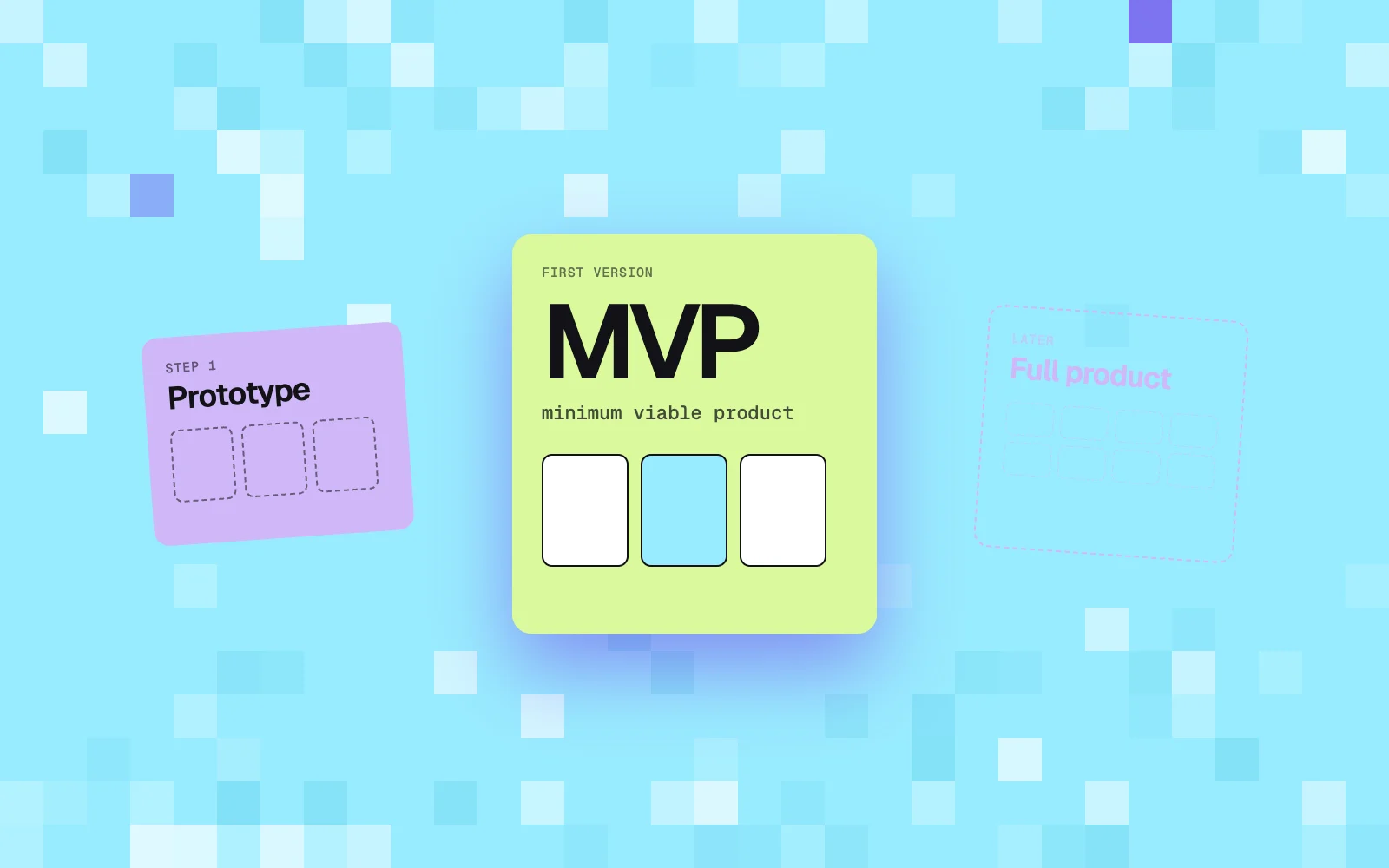
An MVP (minimum viable product) is the smallest version of an app that solves one real problem and lets you measure whether people use it. For a business, it's usually a few screens connected to the tools the team already uses. The goal of an MVP is a decision about what to build next, not a complete product.
How much does it cost to build an app for a business?
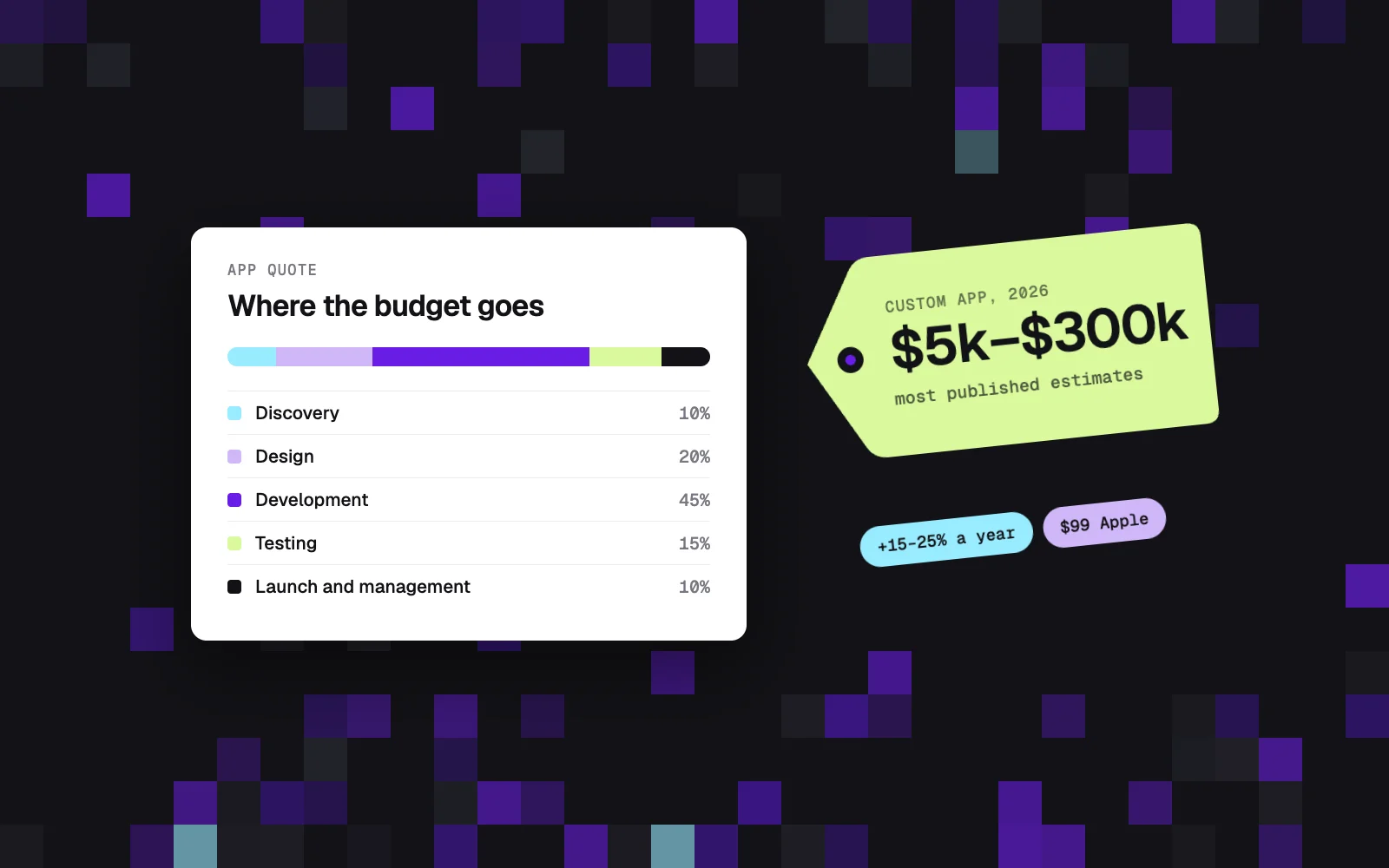
It depends on the scope and the number of integrations, so an honest quote requires a conversation about the problem. With us, a range comes after the first call and a fixed price before each stage. A narrow first version saves the most: the less the app rewrites from scratch, the cheaper and faster it gets built.
How long does it take to build an app?
Discovery takes a week or two. A first version built on existing tools takes a few more weeks. In our process, diagnosis takes a week, the prototype on the client's data takes the second week, and implementation runs from week three to week six. Larger systems built in full take much longer.
Should I start with a mobile app or a web app?
For most businesses, a web app that runs in the browser on phones and computers is the better start. It's built faster, doesn't need to be published in app stores and is easier to change after the first few weeks. A mobile app is worth considering when users need the camera, push notifications or offline work.
Does a business app have to use AI?
No. The app should solve a problem, and AI is one of the tools. A customer portal, bookings, an internal tool or a connection between several systems often works great without AI. You add AI where it genuinely shortens the work, for example when pulling data out of emails, and calculate its monthly cost right away.